Your AI Knows a Lot About You. Here's How to Protect Yourself.
By Chuck Davis
Your AI assistant might know more about you than your closest friends.
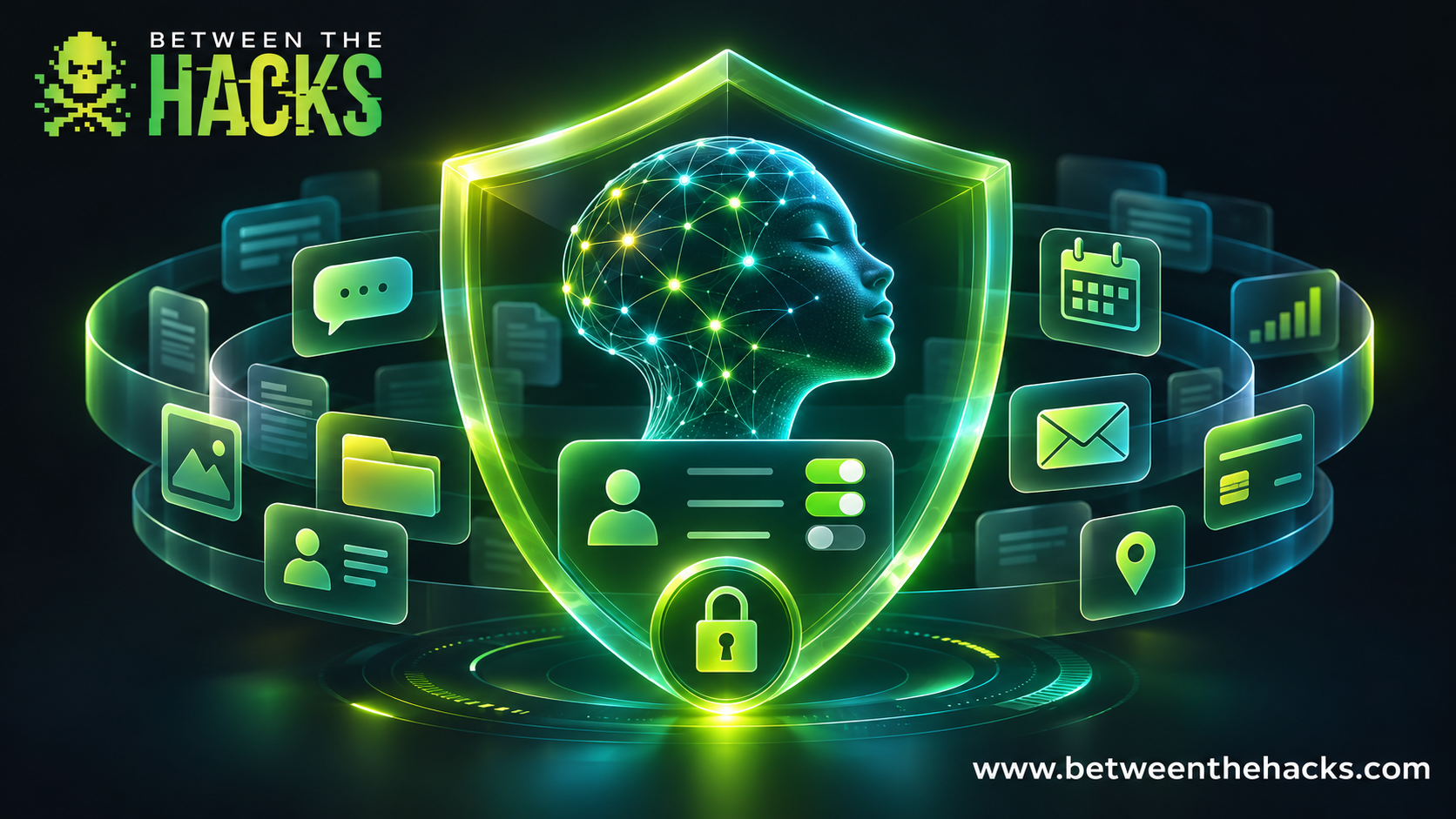
It may know where you work, where you're traveling, what you're shopping for, and what health concerns you've been researching. If you've connected other services, it might even have access to your email, calendar, and files.
That's incredibly useful. It's also a good reason to spend a few minutes checking your security and privacy settings.
Most AI assistants offer privacy and security controls, but many people never change the defaults. Some settings determine whether your conversations can be used to train AI models. Others control what the assistant remembers, what information it stores, and which services it can access.
Here are six things I'd recommend checking today.
1. Free AI isn't necessarily private
Many popular AI assistants offer free accounts. Depending on the provider, your conversations may be eligible for model training unless you change your settings.
That doesn't mean someone is sitting around reading everything you type. It does mean you should understand how your information can be used.
If privacy is important, consider services designed with stronger privacy protections:
Duck.ai: Free access to multiple AI models. DuckDuckGo says your conversations aren't used to train those models.
Proton Lumo: A privacy-focused assistant that doesn't use your conversations for model training and offers encrypted chat history.
Brave Leo: Built into the Brave browser. Brave says conversations aren't used for AI training.
These services still need to process your requests to answer them. Privacy-focused doesn't mean that every possible use is anonymous or confidential.
2. Paying for AI doesn't automatically buy privacy
Here's something that surprises people.
ChatGPT Free, Plus, and Pro personal accounts all have model-training data sharing enabled by default.
Paying $20 or more per month doesn't automatically turn it off.
Fortunately, changing the setting is easy.
For ChatGPT:
Open Settings.
Select Data controls.
Turn off Improve the model for everyone.
That's it. Your regular conversations can remain in your chat history without being eligible for routine model training.
Using Claude? Open Settings > Privacy and review Help Improve our AI models.
Other providers have their own controls. Take a minute to find yours. Also remember that turning off training doesn't eliminate all data retention or safety processing.
3. Check what your AI remembers
AI memory is one of my favorite features. I don't want to explain my writing preferences every time I start a conversation.
But there's a difference between remembering how you like your emails written and remembering personal information you no longer want retained.
If you use ChatGPT, visit Settings > Personalization and review your Memory settings and summary.
Using Claude? Open Settings > Profile and review your preferences. If you see Search and reference chats, decide whether you want Claude to use past conversations. To prevent a specific conversation from being referenced, delete it.
Review and delete information you don't want your AI assistant to remember. Keep only what’s useful.
And remember, turning off training doesn't turn off memory. They're separate settings.
4. Secure your account
Your AI conversations may contain a considerable amount of personal information. Someone gaining access to your account could potentially read that history.
Use a strong, unique password and enable multi-factor authentication (MFA). Better yet, use a passkey when the service supports it.
If you sign in with Google, Apple, or Microsoft, make sure that account is protected too.
While you're there, review active sessions and sign out of devices you no longer use.
5. Be careful what you give your AI access to
Connecting your AI assistant to Gmail, Google Drive, your calendar, or other services can make it significantly more useful.
It also expands what the assistant can access.
Review your connected apps and remove anything you no longer use. If your AI can send emails, modify documents, or make purchases, use approval controls where available.
I particularly recommend requiring your approval before an AI assistant sends messages or spends money.
There's a big difference between an AI assistant that helps you get things done and one that makes decisions on your behalf. Make sure you're still in control.
Don't forget about files you've already uploaded or created.
ChatGPT: Open Library—or Space, if that is what your account shows—to review and delete uploaded or created files you no longer need. Check Images separately. To remove a generated image from Images, delete the conversation where it was created.
Claude: If you use a paid plan, review your Projects and remove files you no longer need from each project's knowledge base, especially files containing sensitive information.
Remember, deleting a conversation doesn't necessarily remove files stored elsewhere in your account. Review those separately.
6. Think before you share
Sometimes the best privacy setting is simply not sharing the information in the first place.
Before uploading a document, screenshot, or spreadsheet, ask yourself whether the AI really needs everything in it.
Remove passwords, API keys, account numbers, and unnecessary personal information. Use sample data when possible.
Also, keep company information in your employer's approved AI environment. A personal paid subscription is not necessarily approved for handling sensitive business information.
And if you want a conversation that won't appear in your regular chat history, look for your provider's temporary or incognito chat feature. Just remember that these modes may still have limited retention for safety purposes.
A few minutes well spent
AI assistants are becoming incredibly capable, and most of us are giving them more information and access than ever before.
That's not necessarily a bad thing. But you should be making those decisions, not simply accepting whatever the default settings happen to be.
Start with the AI assistant you use most. Review its training settings, memory, account security, and connected apps.
It shouldn't take long.
And if you're researching something particularly personal, like hemorrhoid treatments or how quickly eyebrows grow back, maybe give one of those privacy-first assistants a try.
I'm not judging. Your AI shouldn't either.